The most common cause of balance cutting by itself is not theft — it is forgotten bundles, auto-renewing offers and value-added services still active on the SIM. Individual service codes change often, so the reliable method is the one that shows your actual active list: your network official app.
1. See what is actually active on your number
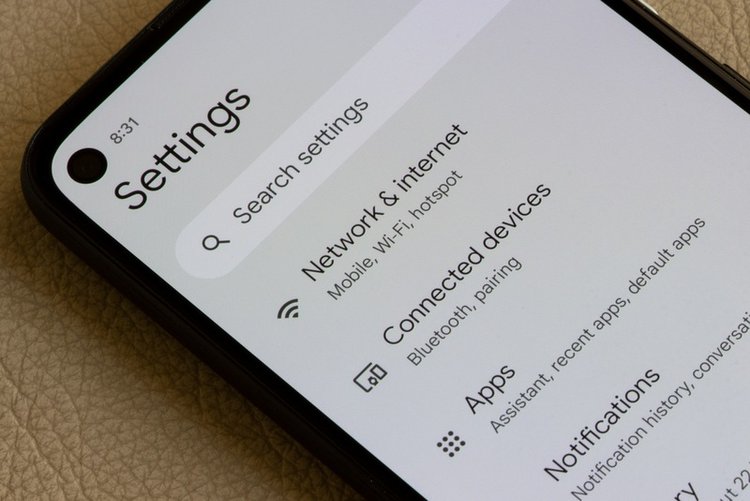
- Jazz: Jazz World app → Bundles / My subscriptions.
- Zong: My Zong app → My Account / Active bundles.
- Telenor: My Telenor app → My subscriptions / Offers.
- Ufone: My Ufone app → My Account / subscribed offers.
Your active bundles, their expiry and remaining resources appear here — this list, not memory, is the truth.
2. Unsubscribe from the same screen
Open each active bundle or service you do not want and tap Unsubscribe / Deactivate, then confirm. Wait for the confirmation SMS before assuming it is off, and keep that SMS. Do bundles one by one.
3. Understand auto-renewal
Many bundles renew automatically when balance is available. Unsubscribing stops future renewals; simply letting balance reach zero does not — the bundle reactivates on your next recharge. That is why step 2 matters more than an empty balance.
4. If the app does not show it — use the helpline
Call your network helpline from the same SIM (Jazz 111, Zong 310, Telenor 345, Ufone 333) and ask the agent to list all active bundles and extra services on your number and deactivate the ones you name. Note any reference the agent gives — that record is your proof if a deduction repeats.
Frequently asked questions
Why does my balance cut even after unsubscribing everything?
Check for an extra service not shown as a bundle, a subscription billed to your number, or an advance-balance repayment taken on recharge. Ask the helpline for a deduction breakdown for the last recharge — they can see it.
Will unsubscribing waste my remaining MBs?
Usually yes — deactivating a bundle removes its remaining resources immediately. If the bundle expires tonight anyway, using it up first and unsubscribing before renewal is smarter.
How do I stop promotional SMS offers?
Unsubscribing stops bundles, not marketing messages. Use your network app preferences or ask the helpline to opt your number out of promotional SMS.