In Pakistan, a phone that is not PTA-approved will stop working on all mobile networks — Jazz, Zong, Telenor and Ufone SIMs simply stop getting signals in it. This happens to thousands of people who buy a used or imported phone without checking. The check is free and takes one minute. Do it before paying for any phone.
Step 1: Find your phone's IMEI number
Every phone has a unique 15-digit IMEI number. Three ways to see it:
- Dial code (fastest): open the Phone/dialer app and dial *#06# — the IMEI appears on screen instantly, no call is made.
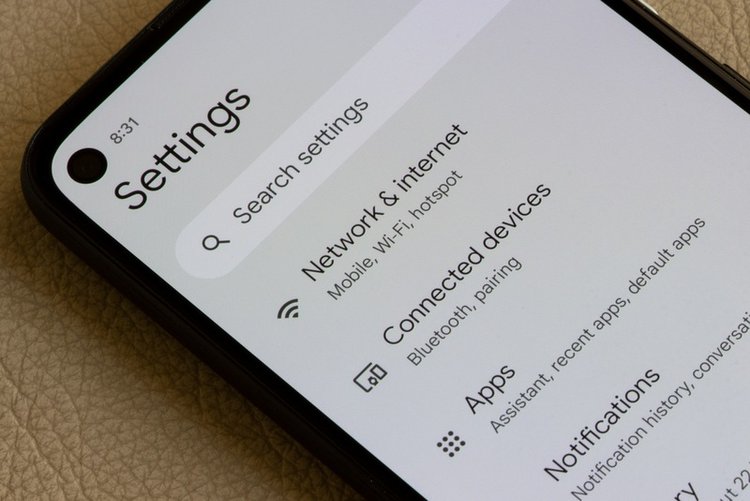
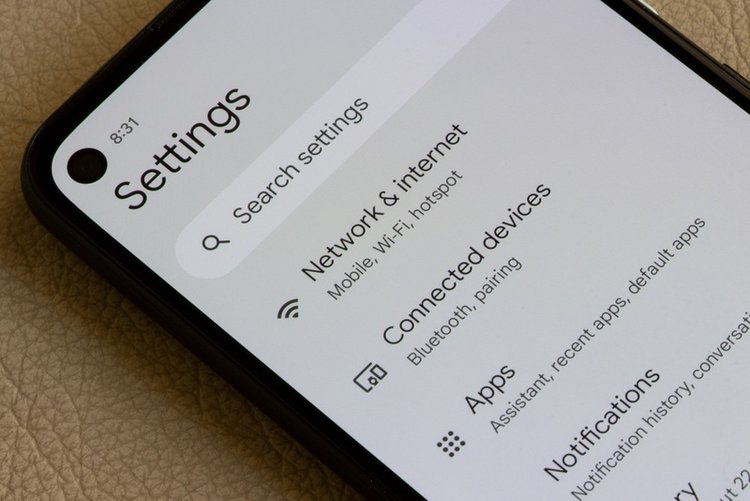
- Settings: Settings → About phone → IMEI (on iPhone: Settings → General → About).
- On the box: the IMEI is printed on a sticker on the phone's box — this must match the number inside the phone (see Step 4).
Dual-SIM phones have two IMEI numbers (IMEI 1 and IMEI 2). In Pakistan, both slots must be PTA-approved, otherwise the non-approved slot will not work.
Step 2: Check PTA approval by SMS — free
- Open Messages and create a new SMS.
- Type only the 15-digit IMEI number — no spaces, no extra words.
- Send it to 8484.
- PTA replies with the status: approved, non-compliant, or blocked.
Repeat for IMEI 2 on a dual-SIM phone. If the reply says the device is approved, your SIMs will keep working on that slot.
Step 3: Check on the PTA website or app
You can also verify on PTA's DIRBS system: open the official PTA Device Verification website (dirbs.pta.gov.pk) or install the official Device Verification System (DVS) app by PTA from the Play Store / App Store, enter the IMEI, and the full status appears — including whether the phone is reported stolen. The website method is best when buying online, because you can check the IMEI the seller sends you before meeting.
What the PTA reply actually means
- PTA Approved: tax/duty paid, phone will work permanently on all networks.
- Non-PTA / Non-compliant: the phone is not registered. It may work for a limited time, then SIMs will be blocked until duty is paid and it is registered.
- Blocked / Stolen: do not buy it at any price — a phone reported lost or stolen stays blocked, and using it can create legal trouble for you.
- CPRA / temporary registration: phones brought by travellers can be registered temporarily — this expires, so ask the seller clearly if you are buying such a device.
Step 4: Check SIM count on your CNIC too
While you are verifying, also confirm your SIMs: send your CNIC number (without dashes) by SMS to 668 to see how many SIMs are registered in your name on each network. Unknown SIM on your CNIC? Visit that network's franchise with your CNIC and get it blocked — it is your legal responsibility.
Frequently asked questions
Is checking PTA approval free?
Yes. Sending your IMEI to 8484 and checking on the PTA DIRBS website or app are free official services. You only pay if a non-approved phone needs duty/tax to be registered.
My phone shows PTA approved for SIM 1 but not SIM 2. What happens?
Only the approved slot will work with a SIM. The second slot will lose signals until it is also registered and its duty is paid. Always check both IMEI numbers on a dual-SIM phone.
How do I block my phone if it is lost or stolen?
Note your IMEI (keep a photo of the box), then report to PTA through the DIRBS stolen-phone facility / PTA helpline 0800-25625 and to your network. A blocked IMEI cannot be used on any Pakistani network.