"4G likha aata hai, par video ruk ruk kar chalti hai" — this is one of the most searched problems in Pakistan. Full signal bars do not guarantee fast internet. Work through these fixes in order; most slow-4G problems are fixed by step 2 or 3.
1. Restart and re-register on the network
Turn Airplane mode ON for 20 seconds, then OFF. This forces the phone to connect to the nearest, least-crowded tower instead of clinging to a far one. A full restart once a week helps too.
2. Lock the network mode to 4G/LTE properly
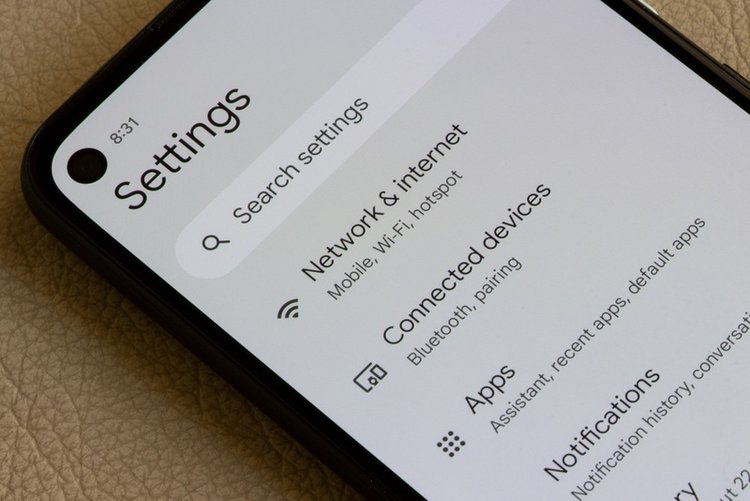
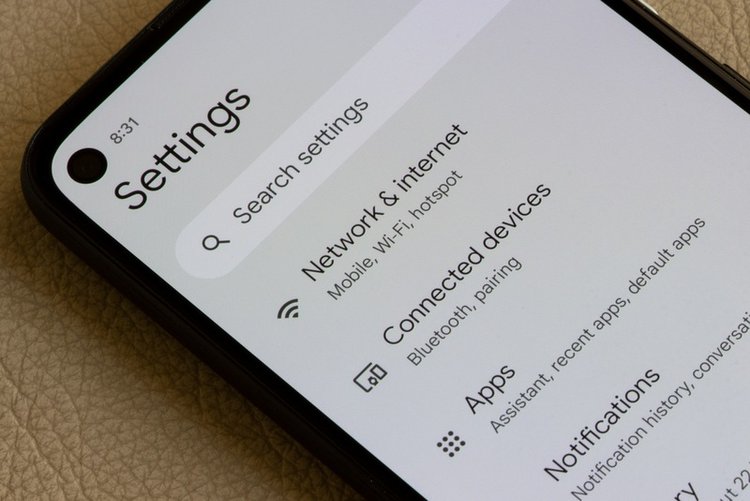
Go to Settings → SIM & network → Preferred network type and choose 4G/3G/2G (Auto) — not 3G-only or 2G-only by mistake. On some phones "LTE only" modes hidden in engineer menus cause calls to fail, so prefer the auto setting unless you only use data.
3. Put the data SIM in Slot 1
On many budget dual-SIM phones, only Slot 1 supports full-speed 4G on both data and standby, and the second slot can be slower. If your internet SIM is in Slot 2, swap it to Slot 1 and set it as the default data SIM in SIM manager.
4. Check your APN settings
Wrong or old APN settings quietly cap your speed. Go to Settings → Mobile network → Access Point Names. The safe fix: tap Reset to default and let the network's own settings apply, then restart. (Jazz: "jazzconnect" / internet; Zong: "zonginternet"; Telenor: "internet"; Ufone: "ufone.internet" — the reset normally fills these automatically.)
5. Stop background apps from eating your speed
Play Store auto-updates, cloud photo backup and TikTok preloading all compete with your browsing. Set Play Store updates to Wi-Fi only, pause Google Photos backup on mobile data, and check Settings → Data usage to find the app using the most background data — restrict it.
6. Check your bundle — throttled after fair-use
Many "unlimited" bundles slow down sharply after a fair-use limit. Check remaining MBs and validity in your network app (Jazz World / My Zong / My Telenor / My Ufone). Expired or exhausted bundle = painfully slow internet that looks like a phone fault.
7. Try the SIM in another phone (5-minute diagnosis)
Put your SIM in a friend's phone. Fast there = your phone/settings are the problem (repeat steps 2–4). Slow everywhere = the network in your area is weak; test a friend's SIM from another network before switching — coverage maps and reality often differ.
Frequently asked questions
Why is 4G slow at night in my area?
Evenings are peak hours — thousands of users share the same tower. If your daytime speed is fine, it is tower load, not your phone. Downloading heavy files late at night or early morning is the practical workaround.
Does a VPN make mobile internet faster?
Almost never — a VPN adds an extra stop for your data and usually makes speed slower. It can help only in rare cases where a specific service is being throttled.
Will a new SIM (4G) help if mine is old?
Yes, if your SIM is a very old 3G-era SIM. Networks replace them free at franchises — a 4G SIM in a 4G phone is required for LTE speeds.