Microphone faults split into three groups: something physically covering the mic, an app missing permission, or a second device (Bluetooth) taking over. Separate them with these tests.
1. Record a test voice note
Use the built-in Recorder app or a WhatsApp voice note to yourself. Play it back on loudspeaker. Silent or very faint recording confirms a mic-side problem; a clear recording means calls specifically are at fault — jump to step 5.
2. Remove the case and check the mic holes
Cheap or wrong-model cases cover the tiny mic hole near the charging port (and the top noise-cancelling mic). Test one call with the case off. Also clear lint from the bottom mic hole gently with a dry soft brush — never a sharp pin pushed in.
3. Fix app permissions
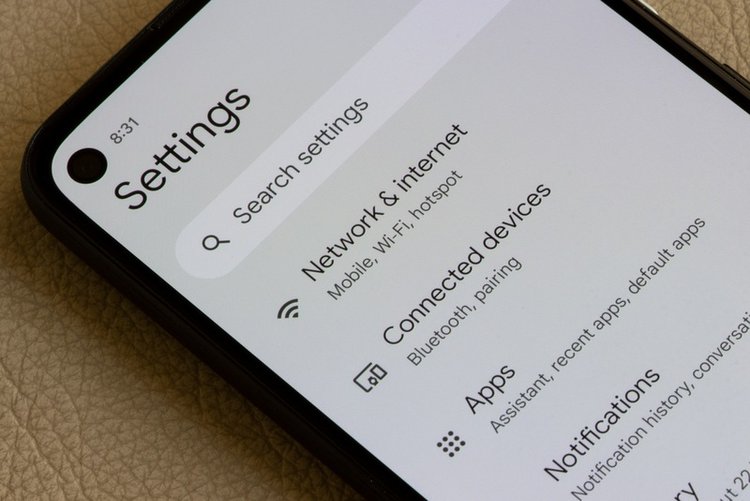
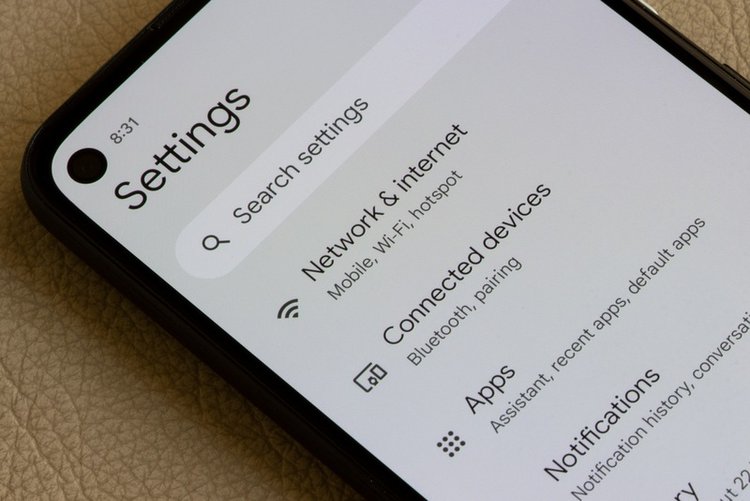
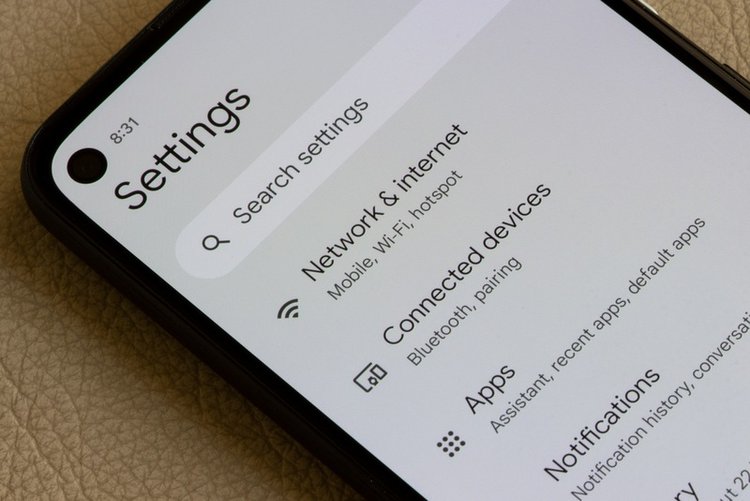
Settings → Apps → WhatsApp (or the failing app) → Permissions → Microphone → Allow. Android can auto-remove permissions from unused apps; a voice app without mic permission records pure silence with no error message.
4. Disconnect Bluetooth
If a Bluetooth device is connected, the phone may listen to its (distant, muffled) microphone instead of its own. Turn Bluetooth off and repeat the recorder test.
5. Call-only problems
Check that mute is not on during the call, test with a different SIM or over a WhatsApp call to separate network from hardware: WhatsApp call clear + normal call bad suggests a network/SIM issue; both bad suggests the phone.
6. Restart, update, Safe Mode
Restart, install pending updates, then test the recorder in Safe Mode. A recorder or voice-changer app can seize the microphone system-wide; Safe Mode reveals it in one test.
7. Hardware signs
Mic dead on every app after a drop or water exposure, or recording only works with earbuds plugged in, points to a microphone fault. Earbuds are a good temporary solution; the repair itself is a service-centre job.
Frequently asked questions
Why is my voice note silent but calls are fine?
Different apps can hold different permissions. Check the silent app microphone permission first (step 3) — it is the most common cause of exactly this split symptom.
People say my voice breaks up. Is that the mic?
Breaking up is usually weak signal, not the microphone — a failing mic is silent, faint or distorted, not chopped by rhythm. Test a WhatsApp call on Wi-Fi to compare.
Can cleaning really fix a microphone?
Yes when the hole is blocked by lint or a case — a very common cause. If cleaning and permissions change nothing and every app records silence, suspect hardware.