The "storage full" warning always arrives at the worst moment — usually when you try to take a photo. The good news: on most phones, photos are not the biggest problem. Invisible caches and duplicate media are. Here is how to recover space safely.
1. See what is actually using space
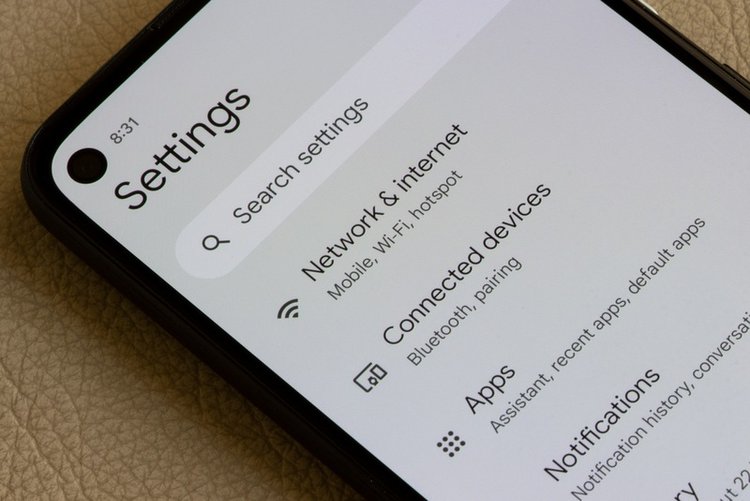
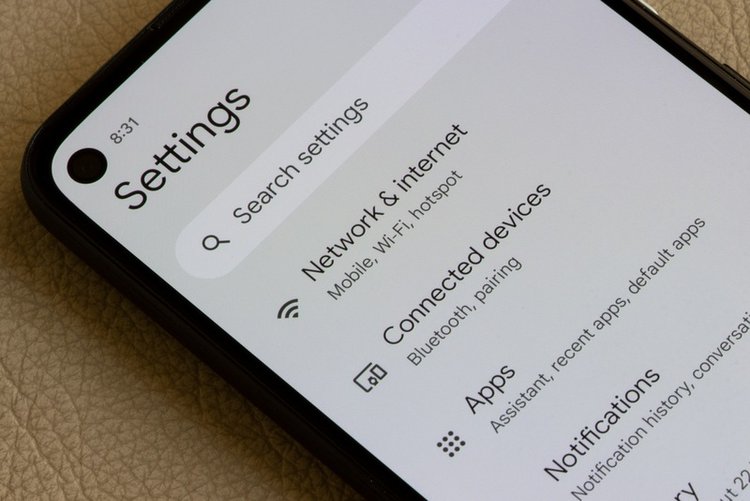
Settings → Storage shows the truth by category. On most phones the order is: Apps, WhatsApp/media, system, then photos. Fix the biggest category first — guessing wastes time.
2. Clear app caches (safe, big win)
Facebook, TikTok, Instagram, YouTube and Chrome quietly collect gigabytes of cache. Settings → Apps → (app) → Storage & cache → Clear cache. Five heavy apps often return 2–5 GB. Your logins and data are not touched.
3. Tame WhatsApp media — the hidden giant
Every "Good morning" image and forwarded video is saved on your phone. WhatsApp → Settings → Storage and data → Manage storage shows chats by size and items "Forwarded many times". Delete large videos from groups first — that alone often frees 3–8 GB. Also turn off Media visibility for noisy groups so their media stops saving to your gallery.
4. Delete duplicates and blurry shots automatically
Files by Google → Clean tab finds duplicate photos, old memes and blurry images, and shows exactly how much each group will free. You approve every deletion — nothing is removed automatically.
5. Empty the Downloads folder
Old PDFs, APK files, songs and documents pile up here. Open Files → Downloads, sort by size, delete what you no longer need. Most people find a forgotten 1–2 GB here.
6. Remove offline downloads you finished
YouTube, Netflix and Spotify downloads stay forever until you remove them. YouTube → Downloads; Spotify → Settings → Storage → Remove all downloads. Finished a series? Its 4 GB can go.
7. Move to a memory card or the cloud — properly
If your phone supports microSD, move videos and documents (not apps) to the card. Or keep originals in cloud backup and use "optimise storage" options. What not to do: delete the only copy of family photos to gain space — storage is cheap, memories are not.
Frequently asked questions
What is 'Other' storage and how do I clear it?
'Other / System data' includes app data, game files and system working files. Clearing the biggest apps' caches (step 2) and removing unused games shrinks it the most. A small 'Other' size is normal.
Is it safe to clear cache? Will apps break?
Clearing cache is safe — apps rebuild it as needed; the first open afterwards may be a second slower. Do not confuse it with 'Clear storage/data', which resets the app like a fresh install.
My phone has no SD card slot. What then?
Cloud backup (Google One starts cheap for 100 GB) plus the steps above usually keeps a 64 GB phone comfortable. When buying your next phone, 128 GB is now the sensible minimum.