A hotspot has three links: your mobile data, the hotspot itself, and the device joining it. One broken link looks like total failure. Test them in this order to find which one it is.
1. Confirm mobile data works on the phone itself
Turn hotspot OFF and browse on the phone. If the phone itself has no internet, the hotspot is innocent — fix data first: check the bundle is active, airplane mode off, and see our slow 4G guide. Hotspot cannot share a connection that does not exist.
2. Restart the hotspot and the joining device
Toggle hotspot off, wait 20 seconds, on again. On the laptop or second phone, forget the hotspot network and reconnect with the password typed fresh — a changed password on the host phone is a classic silent failure.
3. Switch the hotspot band to 2.4 GHz
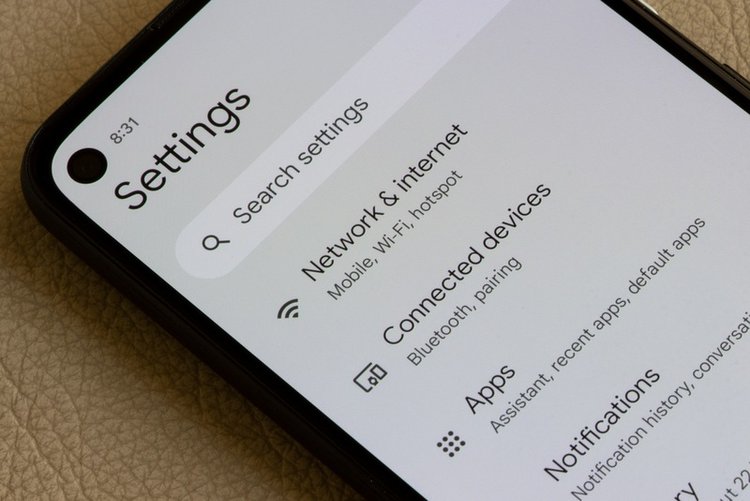
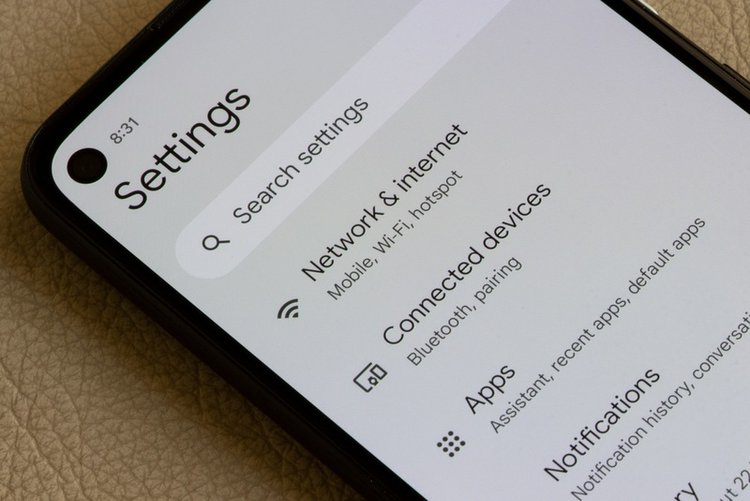
Settings → Hotspot → AP band / Band: choose 2.4 GHz. Many laptops, old phones and TVs cannot see a 5 GHz hotspot at all — the network simply never appears for them. 2.4 GHz is slightly slower but connects to everything.
4. Remove hotspot data limits and timeouts
Some phones set a per-session data limit or turn hotspot off automatically when no device is active. In hotspot settings, set the data limit to none / unlimited and timeout to never while testing.
5. Turn off VPN and data saver on the host phone
An active VPN or strict Data Saver on the host can block shared traffic. Turn both off, test, then re-enable one at a time if you need them.
6. Check APN type — advanced, carefully
On some phones hotspot fails because the APN lost its default settings. The safe fix is Settings → Mobile network → Access Point Names → Reset to default, then restart — do not type random APN values from forums.
7. Know the package rule
A few bundles and SIM offers restrict or slow tethering by policy. If hotspot works with a different SIM or a different bundle on the same phone, that is the explanation — the network app or helpline can confirm what your package allows.
Frequently asked questions
Hotspot connects but says No internet on the laptop. Why?
Work the chain: phone data working alone (step 1), band on 2.4 GHz (step 3), no hotspot data limit (step 4), VPN off (step 5). One of these is the cause in almost every case.
Why does hotspot turn off by itself?
A timeout setting switches it off when idle or when the last device disconnects, and battery saver can kill it. Set hotspot timeout to never and exclude it from battery restrictions while in use.
Is hotspot slower than using data on the phone?
Slightly — sharing adds overhead and the phone heats up, which can throttle speed. Keep the phone cool, plugged in, and close to the connected device for best results.