Bluetooth problems are usually simple: the accessory is not in pairing mode, it is still married to another device, or the phone holds a corrupted pairing. These steps fix the large majority.
1. Put the accessory in real pairing mode
Being switched on is not pairing mode. For most earbuds: place them in the case, open the lid, and hold the case button until the light blinks in the pairing pattern described in its manual. For speakers and car systems, select Bluetooth pairing from their own menu. If the device does not appear in the phone list at all, it is almost never in pairing mode.
2. Disconnect it from the other device first
Earbuds remember phones. If they auto-connect to your old phone, tablet or laptop nearby, the new phone cannot pair. Turn Bluetooth off on the other device, or forget the earbuds there, then pair again.
3. Forget and re-pair on the phone
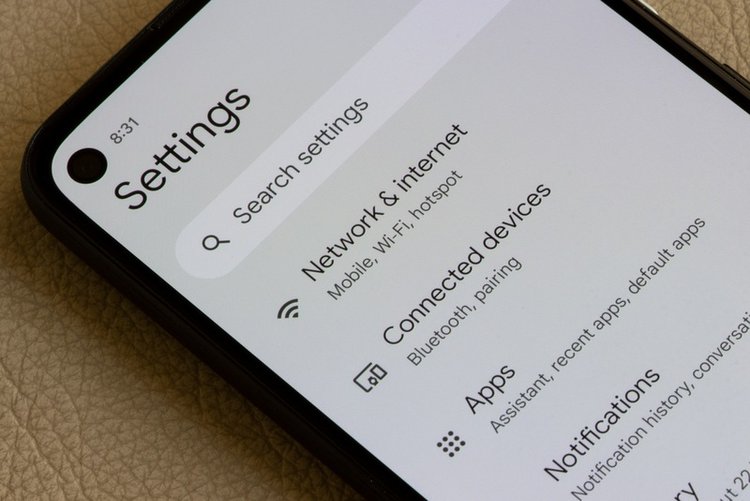
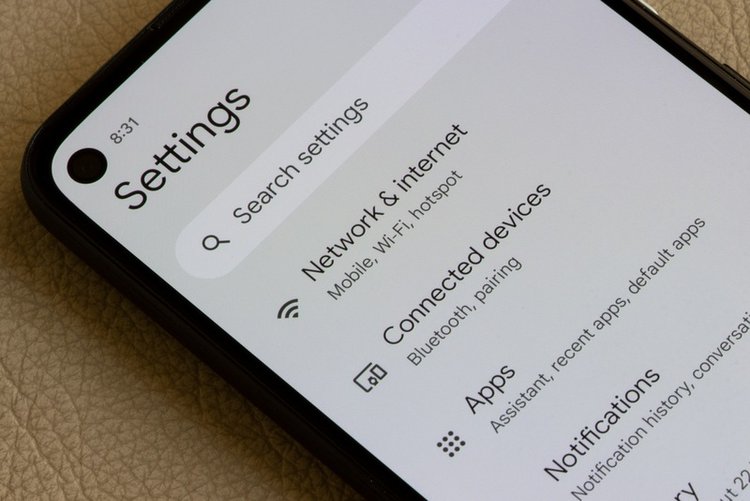
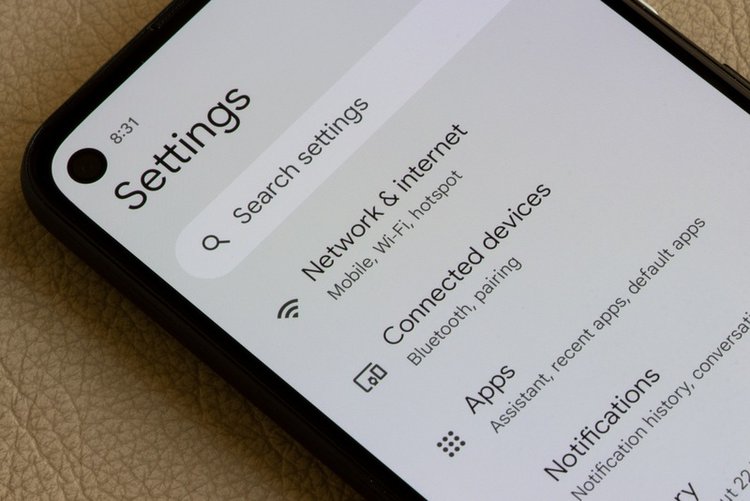
Settings → Bluetooth → tap the device → Forget / Unpair. Then pair fresh from the accessory pairing mode. This clears the corrupted pairing records that cause connect-then-disconnect loops.
4. Charge and distance basics
Nearly-dead earbuds refuse pairing or drop constantly — charge the case above half. Stay within a metre during pairing, away from thick walls, and keep away from a busy router if drops continue (Wi-Fi and Bluetooth share radio space).
5. Clear Bluetooth cache (Android)
Settings → Apps → See all apps → show system apps → Bluetooth → Storage → Clear cache, then restart the phone. You will re-pair devices afterwards, but stubborn pairing histories are wiped clean.
6. Car Bluetooth special cases
Cars store a limited number of phones — delete old phones from the car system memory, then pair yours as a new device. If calls work but music does not, check the paired-device settings on the phone and enable Media audio as well as Phone audio.
Frequently asked questions
Why does Bluetooth keep disconnecting during calls?
Usually battery saving killing Bluetooth, a nearly empty accessory battery, or distance/interference. Set Bluetooth-related battery use to unrestricted where offered, charge the accessory, and test close to the phone.
My phone does not show the device at all. What is wrong?
The accessory is not in pairing mode, or it is actively connected to another device nearby. Solve those two first — they account for nearly every not-showing case.
Do I need an app to use my earbuds?
Basic pairing needs no app. Brand apps only add equaliser and firmware updates — install them from the Play Store only, and never pay for a Bluetooth finder app to do what settings do free.